How to Automate UGC Video Ad Creation with AI for Facebook and Instagram
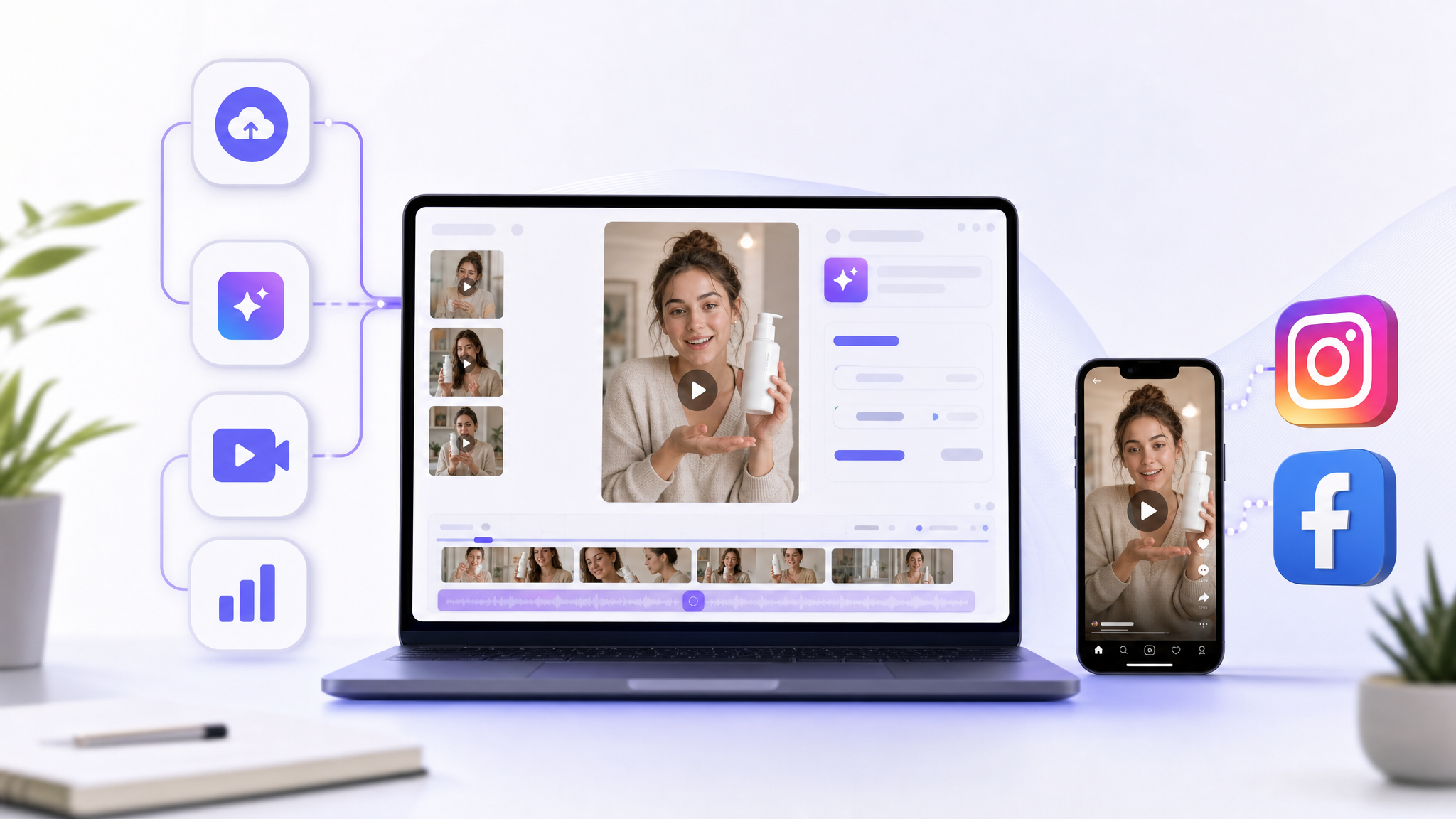
If you want to automate UGC video ad creation with AI for Facebook and Instagram, connect three pieces: a script generator, an avatar/voice or video generator, and an editor that formats for Meta placements. Many tools now let you paste a product URL or upload a product image, choose vertical (9:16) or square (1:1), set 15–30 seconds, pick an avatar and tone/emotion, auto-generate captions, and export an MP4—or even auto-post—within minutes. For scale, add batch generation and a workflow tool to trigger creation from your product assets and publish to your Facebook/Instagram accounts.
What is “automated UGC video ad creation with AI”?
Automated UGC video ads are short, platform-native ads that look like they were made by real customers or creators—selfie-style, talking-to-camera testimonials, unboxings, and lifestyle clips—but are generated or assembled with AI rather than recorded manually. In practice, the AI handles scriptwriting, produces a virtual “creator” or synthetic footage, and formats the edit for Meta placements.
Which Facebook/Instagram placements and specs actually matter?
Facebook and Instagram’s UGC-style ad placements prioritize quick, vertical or square content with a strong hook and readable captions:
- Placements: Feed, Reels, Stories, and in-stream video
- Format: Vertical 9:16 or square 1:1
- Runtime: Short—often 15–30 seconds
- Hook: Land your key idea in the first 1–3 seconds
- Captions: Critical due to frequent sound-off viewing; many AI tools auto-generate and sync subtitles
What are the core building blocks of an AI UGC pipeline?
- Script generation: A language model proposes concepts, hooks, and conversational, first-person scripts.
- Avatar/voice or video generation: A talking-head avatar (or a video generation model) creates the visuals and narration.
- Editing/formatting: An AI video editor adapts pacing, transitions, aspect ratio, and length for Meta placements.
- Meta optimization: Some tools let you choose platform (Facebook vs Instagram) up front and auto-adjust format and duration.
- Export/publishing: Many UGC-focused generators export a ready MP4 and some connect directly to Meta Ads workflows or social accounts.
How do you go from a product URL or image to an AI UGC ad?
Two common, fast-start paths:
- From a product URL
- Paste your product page link into an AI UGC ad tool.
- The tool can scrape images, titles, and descriptions from the page.
- Choose aspect ratio (9:16 or 1:1), language, and video length (15/30/60s).
- Specify target audience and a topic/emotion for the hook.
- Select an AI avatar/voice.
- Generate the video—visuals and narration are created automatically. Some tools render in under a few minutes and export an MP4 ready for Facebook/Instagram. Certain platforms also support direct sharing or Ads Manager export.
- From a single product image
- Upload one product image and the product name.
- AI writes UGC-style scripts, then a video model generates “influencer-style” clips suitable for Instagram, TikTok, and Facebook—often in seconds to minutes.
Can you automate end-to-end creation and posting?
Yes. Workflow automation platforms can chain the entire process:
- Trigger: Add a product image to a folder or submit a simple form.
- Script generation: A multimodal language model analyzes the image and produces multiple UGC scripts.
- Video generation: A video model API outputs short UGC-style clips.
- Post-processing: Store assets, add overlays, captions, and brand styling.
- Distribution: Automatically upload to Instagram/Facebook or send to a scheduling/publishing tool. Templates exist that combine a language model for narrative, a video model for rendering, and a publishing module to post to Instagram.
Broader automations can also pull from cloud storage with raw UGC clips, generate ad captions and voiceover scripts, auto-edit with overlays and transitions, render, upload to social platforms, and notify teams.
How should you scale and test creatives?
Ad strategy guides for AI UGC emphasize a repeatable, test-friendly system:
- Audit: Export top-performing creatives and identify recurring themes, hooks, and formats.
- Concept matrix: Combine, for example, 5 concepts × 5 creator personas × 5 hooks to get bulk script variations.
- Bulk generation: Use APIs or batch modes to generate many variants at once (some avatar tools let you select multiple “creators” and produce dozens of versions in one run).
- Clean testing: Launch with one main variable per ad set.
- Cadence: Monitor at 24 hours, 72 hours, and 7 days; pause weak creatives and scale winners.
- Versioning: Once a base concept works, use AI to create new hooks, angles, or CTAs while preserving core structure and brand voice.
How do you write and edit AI UGC scripts for Meta?
- Script style: Conversational, first-person, problem–solution narrative with a clear benefit and CTA.
- Creator fit: Choose an avatar’s age, ethnicity, gender, and speech style to match your audience; some tools also let you switch between voiceover and dialogue modes.
- Edit for placement: Square (1:1) often fits Feed; vertical (9:16) suits Reels and Stories.
- Captions and audio: Add readable, on-brand subtitles; many tools auto-generate and sync them. Light music can help, but prioritize clarity.
Can AI improve ads built from real customer clips?
Yes. UGC-focused editors can analyze your existing footage, detect high-engagement “hook” moments, adapt pacing and story flow to platform norms, apply brand assets (logo/colors/fonts), add synced subtitles and AI voiceovers, and then export or publish to Facebook/Instagram with minimal manual steps.
What does a minimal viable workflow look like?
Pick the level of automation that fits your team today:
-
No‑code, single‑tool approach
- Upload a product image or paste a product link.
- Enter brand details and an ad brief (positioning, benefits, audience).
- Select a virtual actor/voice, language, music.
- Set script, duration (often 15–30s), aspect ratio, and subtitle options.
- Click generate; download an MP4 or export directly to your Meta workflows.
-
Hybrid manual + AI
- Use a language model to produce a UGC-style script with a strong hook and clear benefits.
- Paste it into a talking‑head/virtual actor tool.
- Choose voice and style; render and export.
-
Automation pipeline
- Trigger: Asset upload or URL submission.
- Script: Language model drafts multiple scripts.
- Video: Video model renders clips.
- Finishing: Captions, overlays, brand styling.
- Output: Save files and auto-upload or schedule to Instagram/Facebook. Many templates include integrated posting.
Note: Capabilities vary; treat the above as patterns—not a single universal method.
How do you keep AI UGC ads feeling authentic?
- Blend sources: Mix real customer/product clips with AI-generated segments; let the editor detect hooks and assemble performance-first cuts.
- Keep brand voice tight: Feed your best-performing UGC ads and brand guidelines into the prompt/brief so new variants mimic proven winners.
- Match the persona: Configure avatar attributes (age, ethnicity, gender, speech style) to reflect your target audience.
Quick checklist for Facebook/Instagram UGC ads
- Choose placement: Feed, Reels, Stories, or in-stream video.
- Format: 9:16 for vertical; 1:1 for square.
- Length: Aim for 15–30 seconds.
- Hook: State the key benefit/problem within 1–3 seconds.
- Script: Conversational, first-person, problem–solution + CTA.
- Captions: Auto-generate and style for readability (sound-off friendly).
- Branding: Apply logo, colors, and fonts in the editor.
- Variations: Use batch generation across creators/hooks for testing.
- Export: MP4 ready for Meta; some tools support direct publishing.
- Iterate: Monitor at 24h/72h/7d; pause losers, scale winners.
Frequently asked questions
- What specs work best for Facebook and Instagram UGC-style video ads?
- Focus on short, vertical or square videos with a fast hook and captions. Specifically: placements include Feed, Reels, Stories, and in-stream video; formats are 9:16 (vertical) or 1:1 (square); runtimes are often 15–30 seconds; deliver your hook within the first 1–3 seconds; and include captions for sound-off viewing.
- Can I generate UGC ads directly from a product page or image?
- Yes. Some tools let you paste a product URL to auto-pull images, titles, and descriptions, then select aspect ratio, language, length, audience, emotion, and an avatar before auto-generating the ad. Others start from a single uploaded product image and product name, write UGC scripts, and generate a short video. Many render within minutes and export an MP4; some support direct sharing to Facebook/Instagram.
- How do I scale creative testing with AI UGC?
- Use an operational blueprint: audit top performers, map recurring hooks and formats, build a concept matrix, and bulk-generate variations. Some avatar platforms offer batch mode to create many versions at once. Launch tests with one main variable per ad set and monitor results at 24h/72h/7d to pause weak creatives and scale winners. Once you have a winner, use AI to version new hooks and CTAs while keeping the core structure.
- Can these AI workflows post automatically to Instagram and Facebook?
- Yes. Some generators export directly to Meta workflows or connect to publishing/scheduling tools. Automation platforms can chain the process—triggered by an asset upload—to generate scripts, render videos, and auto-upload to Instagram or Facebook.